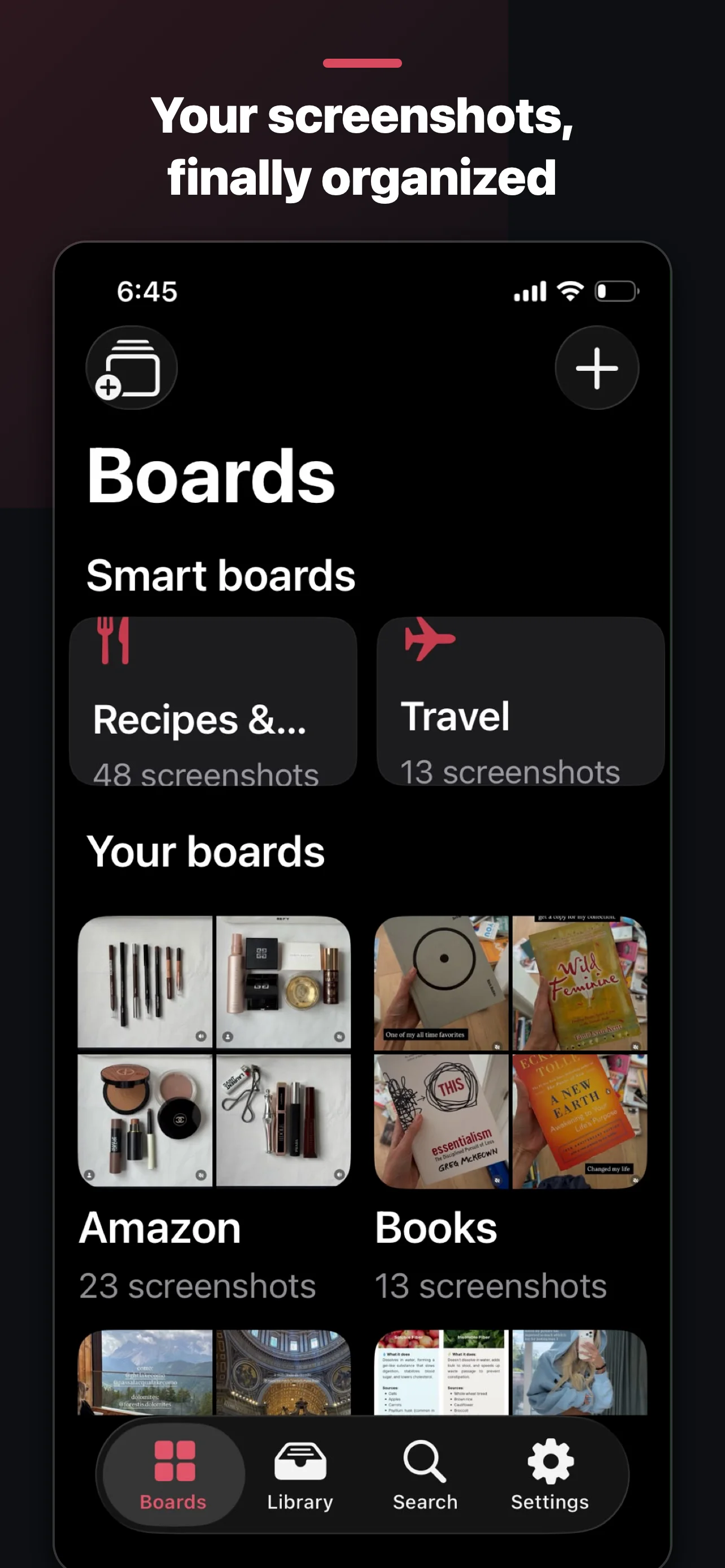
ScreenStash is a screenshot organizer for iPhone and Android that turns camera-roll chaos, recipes, receipts, Wi-Fi passwords, gift ideas, into searchable boards. It reads the text inside every screenshot on your phone, never uploads them to its servers, and is free for unlimited screenshots. Pro is $19.99 once, not a subscription.
Free for unlimited screenshots, with your own boards, search and cleanup. Pro is $19.99 once, not a subscription, and adds Smart boards that sort themselves, auto-import and private backup.
Filed to Recipes โ
The workflow
Import your screenshots and work through your Inbox one satisfying tap at a time. Everything you file leaves the pile, so the pile only shrinks.
One-tap filing
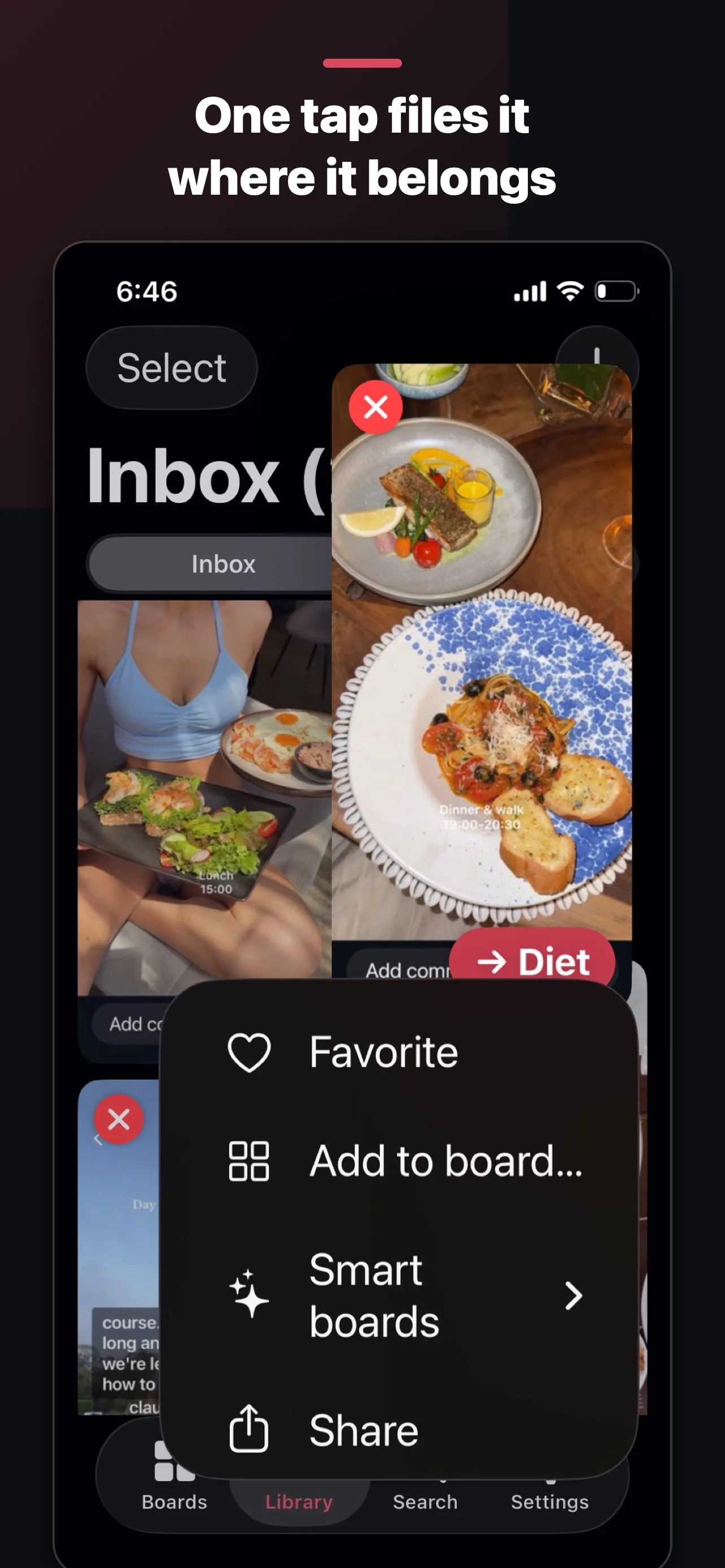
Every screenshot in your Inbox carries a Stash button. One tap files it to the right board, receipts go where your receipts live. Wrong guess? Undo or change it from the toast, after the fact.


Search that feels like magic
Learn how to search text in screenshots.
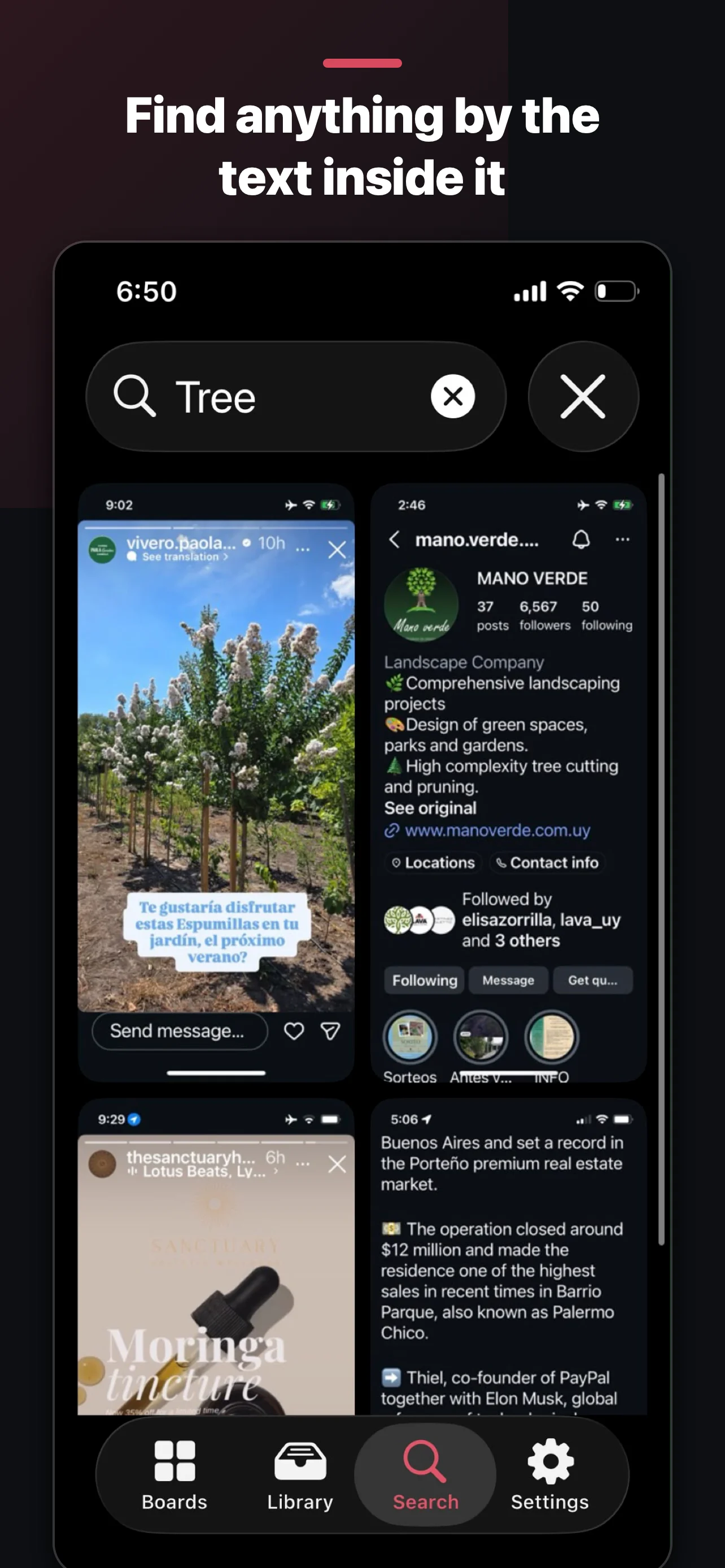
ScreenStash reads screenshot text on your device, using Apple Vision on iPhone and Google ML Kit on Android. That recipe you saved in March? Type "chicken." The Wi-Fi password from the beach house? Type "wifi." It's all instantly findable, without any of it leaving your phone.
Smart boards
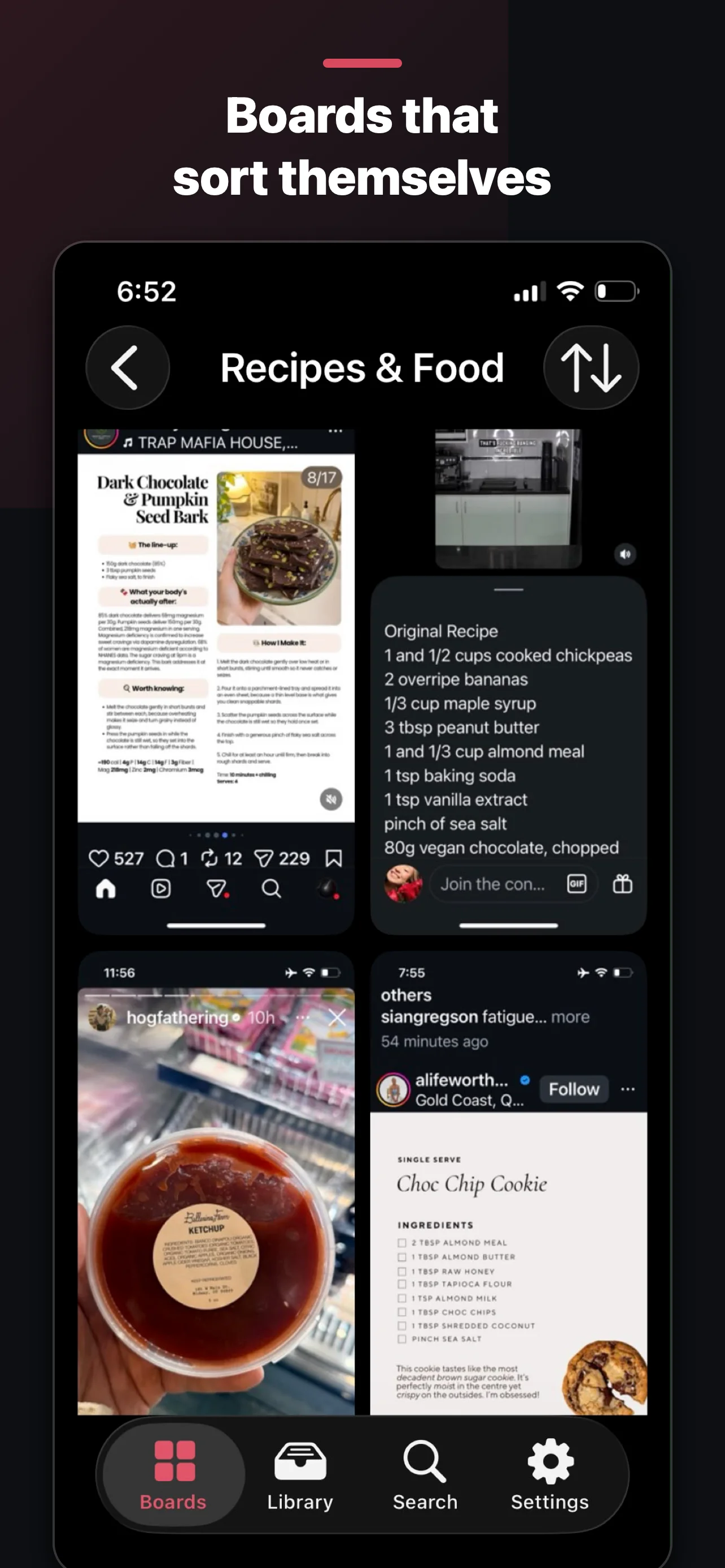
Start with a practical example: organizing recipe screenshots.
Receipts & Orders. Recipes & Food. Travel. Codes & Wi-Fi. Places & Maps. Shopping. ScreenStash recognizes what a screenshot is and groups it automatically, no filing required. Disagree? Add or remove anything by hand.

After importing, ScreenStash offers to delete the originals from Photos, only with your confirmation, and only once every file is verified safe.
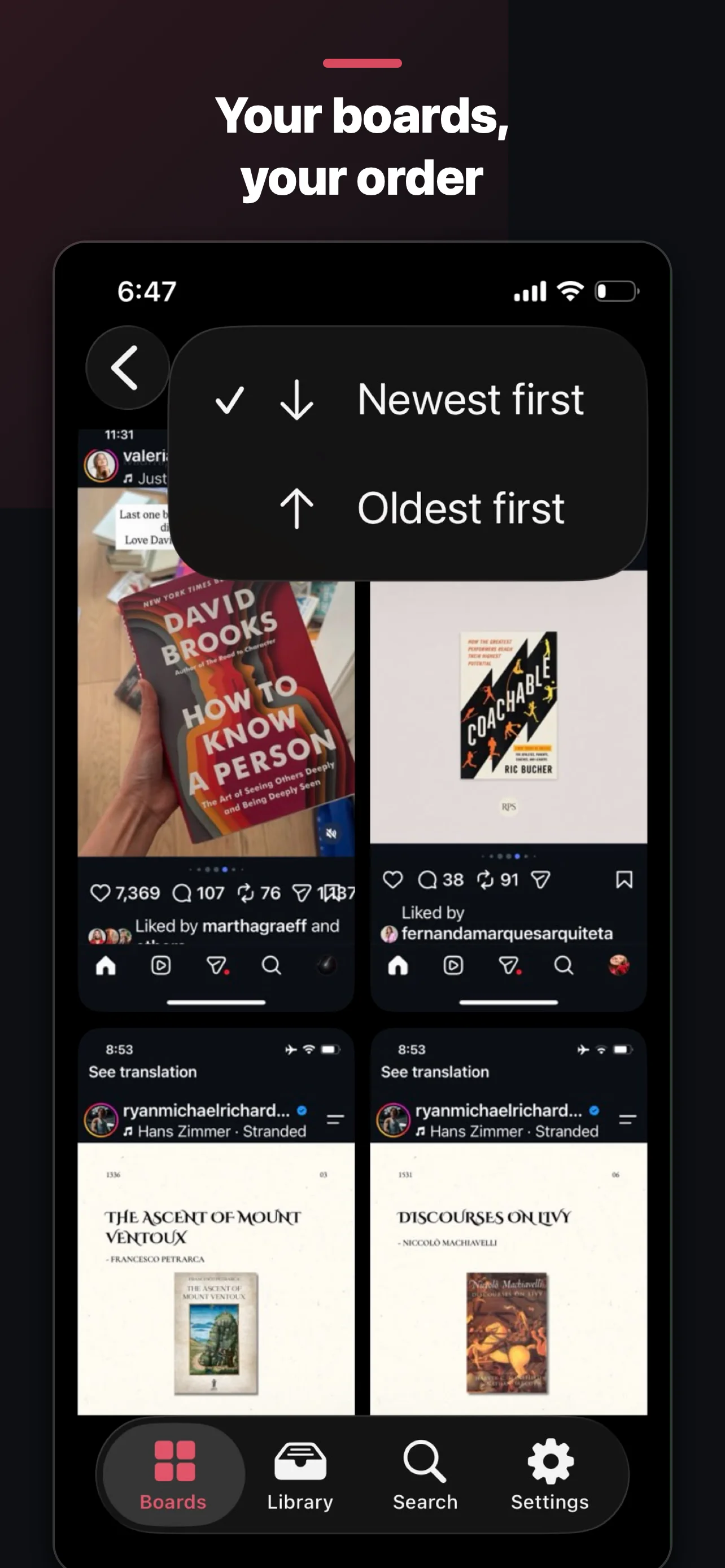
Big board? Split it into sections, Recipes โ Dinner, Desserts, Meal prep. Two levels, zero complexity.
Tested with libraries of thousands of screenshots. Designed to keep filing, deleting, and browsing manageable as your library grows.
With Pro, new screenshots flow into your Inbox on their own. Take the screenshot, deal with it whenever.
Pro offers private iCloud backup on iPhone and Google Drive backup on Android. Restore your library on a compatible device.
File, move, or delete without fear. Every action offers Undo the moment after it happens.
Privacy isn't a feature. It's the design.
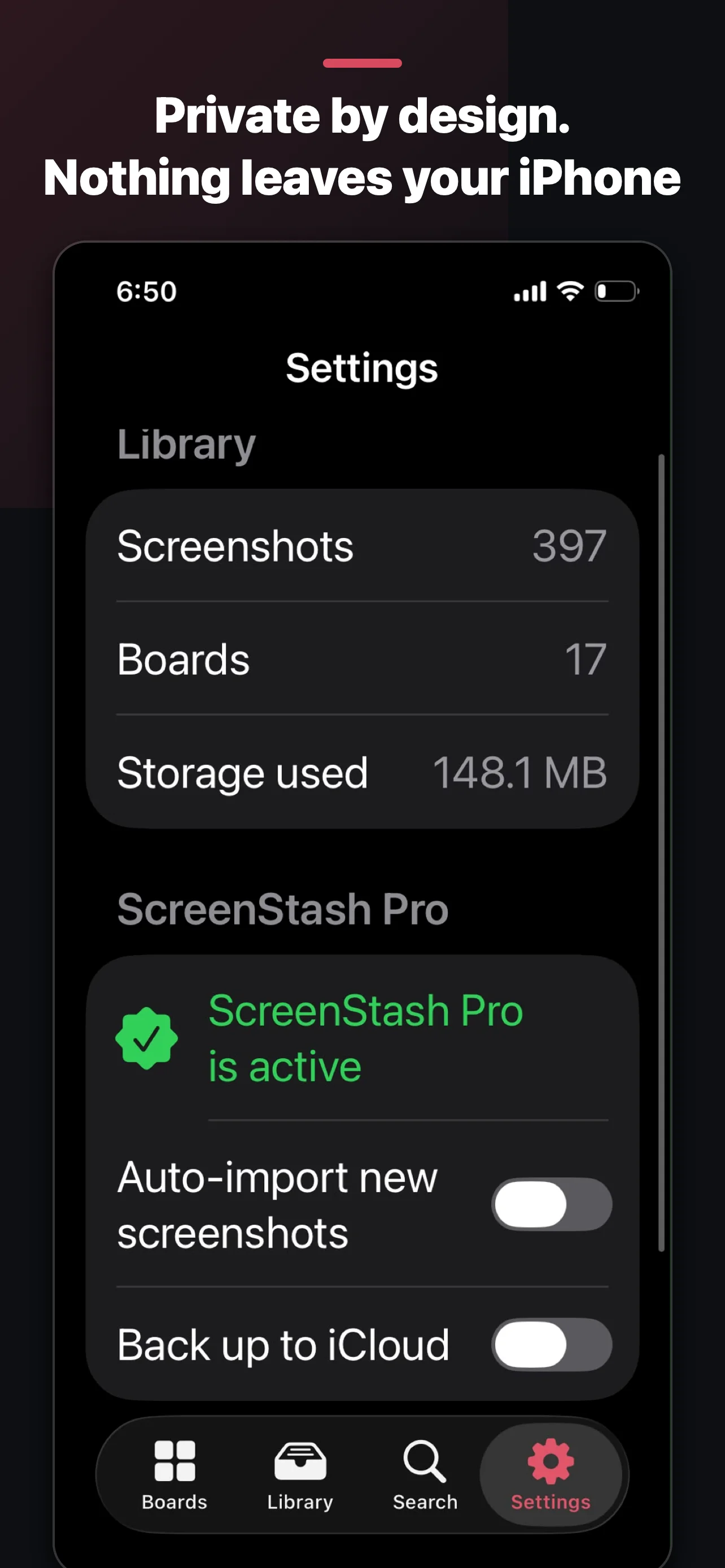
No accounts, ever. Text recognition runs on your own device, your library lives on your own device, and the optional backup goes to your private iCloud or Google Drive, which we can't read even if we wanted to. Your screenshots, the text inside them, your board names and your searches are never uploaded to us. There is nothing to upload them with.
The one thing we do measure: which ad brought you here, and whether it led to a Pro purchase. That's how a small app knows where to spend. It's a device identifier and a purchase event, nothing about what you've saved. On iPhone, iOS asks your permission first, and saying no changes nothing about how the app works.
Pricing
Questions
Where it counts, yes. Your screenshots and everything ScreenStash learns from them stay on your device, we operate no servers holding your content, and there's no account to tie it to. The one optional cloud feature, backup, uses your own private iCloud or Google Drive, which only you can access. We do measure which ad brought you here and whether you purchased Pro, using an attribution service; on iPhone you're asked first and declining costs you nothing. Full policy here.
ScreenStash keeps its own copy inside the app. Your Photos library is untouched unless you explicitly choose cleanup, and even then, iOS shows its own confirmation before anything is deleted.
No. Free includes unlimited screenshots, your own boards, full-text search, and camera-roll cleanup, plus a one-time preview of Smart boards. Pro is $19.99 once, not a subscription, and adds Smart boards that sort themselves, auto-import, and private backup.
iPhone running iOS 18 or later, and Android.
Ready?
Clear them on iPhone, Android and Mac, then empty the bin.
Search saved screenshots for words you remember.
Build a recipe collection you can find by ingredient.
Plan a careful cleanup of your iPhone Photos library.